IPTV Instant Activation UK: How to Get Started Step by Step
What if “instant activation” gets you access details but still leaves a few steps before you can watch? That’s the key distinction behind iptv instant activation uk: a subscription can be activated separately from setting up a compatible device, so don’t assume one automatically completes the other.
It’s reasonable to want to know when your login details will arrive, what to prepare before subscribing and what to do if nothing appears. “Instant” doesn’t guarantee a specific delivery time, and setup instructions vary between services and devices. A little preparation can make the process easier and help you know when to check your messages or contact the provider.
This guide takes you through the process, from checking a service’s information to entering your access details and testing a stream. You’ll learn what to have ready, why activation isn’t the same as device configuration, and which checks to try if access is delayed or setup doesn’t go to plan.
Key Takeaways
- With iptv instant activation uk, subscription access and device setup are separate steps. Check the provider’s instructions for how and when access details are supplied.
- Before subscribing, check that your device and app are supported, and make sure your internet connection is working.
- Use accurate contact details at checkout, then check your inbox and junk folder for confirmation messages.
- If access is delayed, check payment status and messages, review the setup instructions, then restart the app before contacting support.
- Televoi TV advertises instant activation and a 24-hour free trial. Check the current instructions and trial terms before getting started.
What does instant IPTV activation in the UK actually mean?
IPTV instant activation means a provider enables access to your subscription after processing your order. It doesn’t automatically install an app, configure your device or start a stream. The provider’s stated process determines how and when you receive access details.
That distinction matters. With Internet Protocol television (IPTV), programmes are delivered over internet protocol networks rather than through a conventional television broadcast signal. You need to understand both subscription access and the device steps before you can watch. For a broader explanation, read this clear guide to what IPTV is.
What happens when an IPTV subscription is activated?
After checkout, the provider processes your order and enables subscription access according to its procedure. It may then send access details or setup instructions through the contact method it specifies. Check the order information so you know where to look and what to expect. Services may handle this differently, and the word “instant” doesn’t promise delivery within a particular number of minutes.
Activation enables access. It doesn’t install software or configure a screen. You may still need to follow instructions for a compatible device and player before testing a stream.
Activation versus IPTV setup: what is the difference?
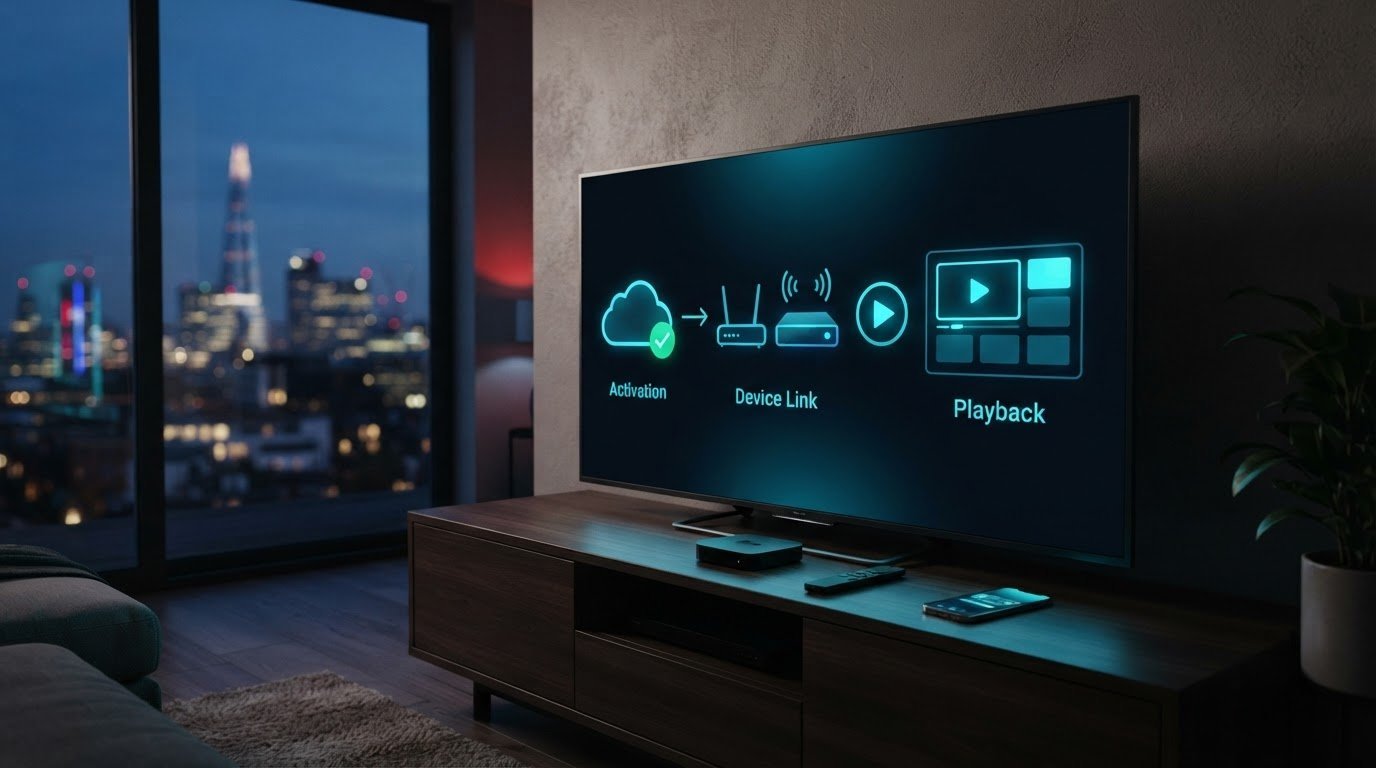
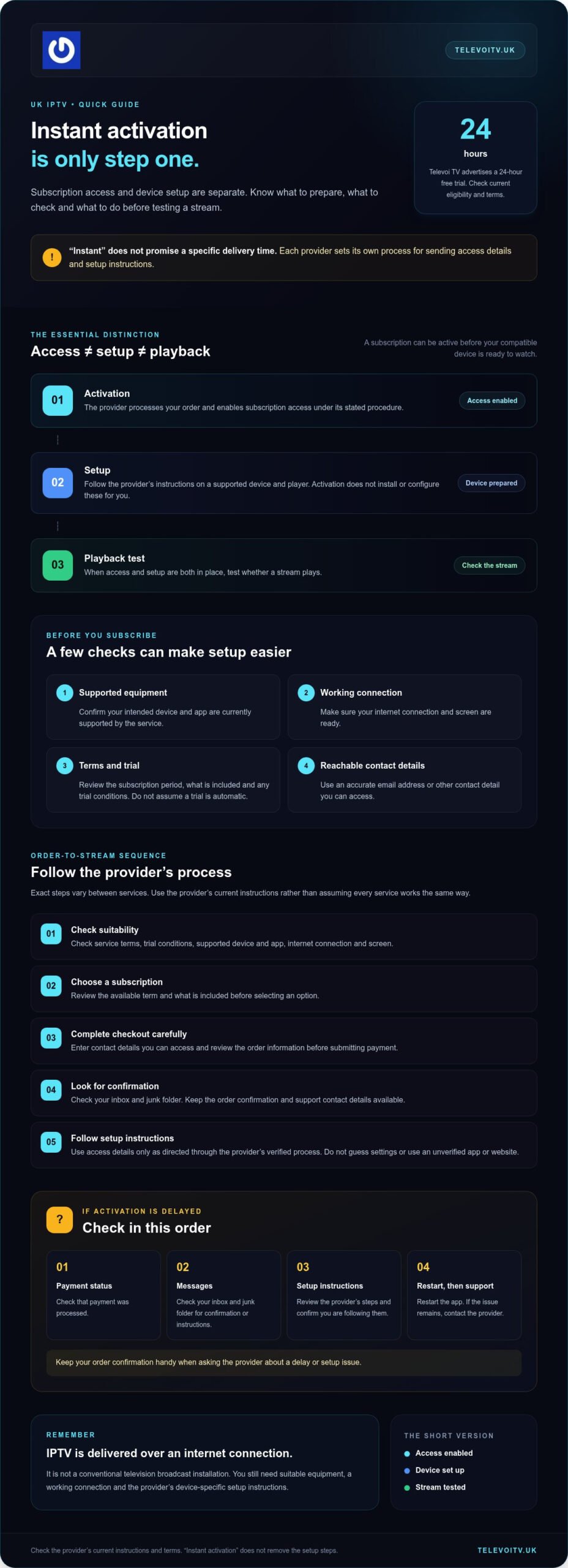
Activation enables your subscription. Setup prepares a supported device and player to use that access. Both steps matter: access without a configured player may not be ready to watch, while a correctly set-up device won’t provide subscription access on its own.
- Activation: the provider processes your order and enables access under its stated procedure.
- Setup: you follow the provider’s instructions to use a compatible device and player.
- Playback: once both are in place, you can test whether a stream plays.
IPTV access also differs from arranging a traditional aerial, satellite dish or cable installation. The service is delivered over an internet connection, so subscription activation isn’t an engineer visit or physical installation. You still need suitable equipment and a working connection, and the precise setup depends on what the provider supports.
Keep iptv instant activation uk in perspective: it describes the subscription-access stage, not a shortcut through every setup step. Check the provider’s instructions before ordering, then follow them in sequence. This makes it easier to see what’s complete and what remains before you press play.
How to get IPTV instant activation: follow these steps
A straightforward order starts with a few checks, then moves through checkout and the provider’s setup instructions. The exact process varies, so treat advertised instant activation as a description of subscription access, not a promise of a particular delivery time or identical steps from every service.
- Check suitability. Confirm the service’s terms, any trial conditions and whether your intended device and app are currently supported. Make sure your internet connection and screen are ready.
- Choose a subscription. Review the available term and what’s included before selecting an option. Don’t assume a trial is automatic; check its current eligibility and instructions.
- Complete checkout carefully. Enter an email address or other contact detail you can access, then review your order information before submitting payment.
- Look for confirmation. Check your inbox and junk folder for messages or next-step instructions. Keep your order confirmation and the provider’s support contact details available.
- Follow the provider’s instructions. Use access details only as directed through the provider’s verified process. Don’t guess at settings or enter credentials into an unverified app or website.
What should you check before placing an IPTV order?
Read the terms before paying, including the subscription period and any trial conditions. Confirm that the screen and app you plan to use are supported, rather than relying on a general device list elsewhere. Check your connection, too. Saving your order confirmation makes it easier to refer to the details if you need to ask the provider a question.
For iptv instant activation uk, accurate contact details are especially useful. If the provider sends confirmation or access instructions electronically, a mistyped address could make them harder to find. Follow the provider’s stated process.
What should you do after receiving access details?
Start with the documented setup instructions. Confirm that the app or device is supported, then enter details only where the provider directs you. Once setup is complete, try a test stream and follow any on-screen guidance. If an instruction doesn’t match what you see, pause and check the provider’s current guidance rather than trying random settings.
Televoi TV advertises instant activation and a 24-hour free trial. Before ordering, check its current customer journey, device support and trial terms. You can review the available Televoi TV subscription information as part of that check.
What do you need before starting IPTV streaming?
Get the essentials in place before you try to watch. You’ll need an IPTV subscription, a device the provider supports, a compatible app or player, and a working internet connection. Having all four ready helps you distinguish an access issue from a device or connection problem if playback doesn’t start.
Don’t assume every service supports the same equipment or applications. Check the provider’s current instructions first, especially if you plan to watch on a particular screen. Device and app support can change, so an older recommendation may not match the latest setup guidance. This guide to choosing a flexible monthly IPTV subscription can help you consider the subscription alongside your setup needs.
Which device and app can you use?
Check your exact device and the app or player the provider currently supports. Don’t download an app simply because it appears in a search, or assume an app available on one device works on another. Follow the provider’s documented instructions and check that you can access the required app before subscribing. Compatibility is specific, not universal.
Does your internet connection support streaming?
Test the connection in the room and on the device where you plan to watch. A speed test elsewhere in the home may not reflect the Wi-Fi signal at your usual viewing spot. Signal strength, other people or devices using the network, and the performance of the streaming device can all affect playback. A single speed figure can’t guarantee a particular viewing result, so check the provider’s guidance for any stated requirements.
If the connection seems inconsistent, try testing at a different time or closer to your router, where practical. This can help you work out whether the issue may relate to Wi-Fi coverage or network congestion rather than subscription access. Avoid changing app settings at random; use the provider’s troubleshooting instructions if you need to adjust the setup.
Quick pre-stream checklist
- You have an active subscription and the provider’s access instructions.
- Your intended device and app or player are listed as supported.
- Your internet connection works where you plan to watch.
- You know where to find the provider’s setup guidance if you need it.
For iptv instant activation uk, preparation means checking compatibility before you order, not assuming access details alone will make every screen ready. Once the checklist is complete, follow the provider’s instructions and test playback on your intended device.
IPTV activation delayed? Try these checks before contacting support
A delay can have several causes. Payment may still be processing, a confirmation message may be filtered, or setup may not yet be complete. It doesn’t automatically mean the service has failed. Work through these checks in order, and avoid placing a second order until you’ve confirmed what happened to the first.
Why might IPTV access details not appear straight away?
Start with the order record. Confirm that checkout completed and check that the email address or other contact details you entered are correct. Review your inbox, junk folder and other filtered folders for an order confirmation or setup message. Then consult the provider’s processing guidance rather than assuming a fixed delivery time from the word “instant”.
Keep your order reference handy. Don’t post account details publicly or send them to someone claiming to offer support through an unverified channel. Use only the provider’s official contact route.
- Confirm payment: Check your payment record and order confirmation before trying to purchase again.
- Review messages: Look through your inbox and filtered folders, and check that your contact details are accurate.
- Recheck instructions: Make sure you’ve followed the provider’s current access and setup steps in the right order.
- Restart the app: If access details are in place, close and reopen the supported app, then try again.
How can you tell activation trouble from a streaming problem?
Look at what happens on screen. An access or login error may point to subscription status, incorrect details or an incomplete setup step. Buffering, interruptions or a stream that starts but struggles suggest a different issue, such as the internet connection, Wi-Fi signal, network congestion or app configuration.
First confirm that the subscription is active and that you’ve entered details as instructed. If the stream then buffers, test the connection where you’re watching and check the provider’s app guidance. Restarting the app can help with a temporary issue, but it won’t resolve an account-access problem that needs the provider’s attention.
If these checks don’t restore access, contact the provider through its official support route. Include your order reference and describe the message on screen, but don’t share passwords or other sensitive account details publicly. For iptv instant activation uk, this distinction helps you report the right problem instead of treating every playback issue as delayed activation.
If you’re using Televoi TV, check Televoi TV’s official guidance for the current instructions and support contact route.
Start streaming with Televoi TV: a simple next-step checklist
You’re nearly ready to watch. Keep the final steps clear: check compatibility, review the subscription information, follow the provider’s current setup instructions and test access on your chosen device. Televoi TV advertises instant activation, but activation enables subscription access; it doesn’t guarantee a specific delivery time or configure your screen for you.
Your quick checklist for getting started
- Check the service: Read the current terms and confirm which devices and apps are supported.
- Get your setup ready: Make sure your internet connection works where you plan to watch, and that you can use the provider’s recommended app or player.
- Order with accurate details: Use contact information you can access, and keep your confirmation handy.
- Follow the instructions: Use the provider’s documented steps to enter access details and complete device setup. Don’t guess at settings.
- Test playback: Try a stream and note any message on screen. If access needs checking, use the provider’s official support route.
This gives you a simple way to identify which part needs attention. If you can’t sign in, check your order and access details. If a stream starts but buffers, check the connection and setup guidance instead. For iptv instant activation uk, keeping activation, device setup and playback distinct can make the first session easier to troubleshoot.
Ready to explore a trial or subscription?
Televoi TV also advertises a 24-hour free trial as an optional way to explore the service. Before proceeding, review the current trial details, including availability and any applicable terms, alongside the subscription information. The available fixed-term subscription options run for one, three, six or twelve months, with plans starting at £12.99 per month. Payments are made upfront, without recurring direct debits or a long-term binding contract. Review the current details to decide which option suits your viewing needs.
You can review Televoi TV’s current trial and subscription information.
Take the next step towards streaming
The key to a smoother start is knowing that subscription activation and device setup are separate steps. Check that your device and app are supported, follow the provider’s instructions, and if access is delayed, verify your order and messages before troubleshooting playback. That’s the practical approach to iptv instant activation uk, without assuming “instant” means a guaranteed delivery time.
Televoi TV advertises instant activation and offers a 24-hour free trial to explore the service. Its fixed-term subscriptions are available without a long-term binding contract. Before deciding, review the current service terms, supported-device guidance and trial details so you know what to expect.
Ready to compare the current options? Explore Televoi TV subscriptions and the 24-hour free trial.
Frequently Asked Questions
What does instant IPTV activation mean?
Instant IPTV activation generally means the provider enables subscription access after your order is completed. It doesn’t necessarily configure your device or start a stream without further setup. Check your order confirmation and follow the provider’s current instructions. Before ordering, confirm that your device and app are supported. The word “instant” alone doesn’t confirm an exact activation time, so rely on the provider’s stated process.
How long does IPTV instant activation take in the UK?
There’s no universal activation time for every provider or order. For iptv instant activation uk, use the provider’s checkout information and customer instructions to understand the current process. Check your order confirmation and make sure the contact details you supplied are correct. If the provider’s stated timeframe passes and you still can’t access the service, contact them through their official support channel with your order information ready.
What do I need to activate an IPTV subscription?
You’ll usually need an active subscription, a compatible device, an internet connection and the provider’s setup instructions. Requirements can differ between services, devices and apps, so check compatibility before ordering. Keep your confirmation details available, then follow the provider’s guidance rather than guessing at settings. Only enter access details in an app or website when you’ve verified it’s the destination specified in the provider’s instructions.
Can I use IPTV straight after subscribing?
You may be able to start once the provider has enabled your subscription and you’ve completed any required device setup. These are separate steps: activation doesn’t automatically configure your television, streaming device or app. Check the provider’s current instructions and confirm that your device is supported. If access details haven’t arrived, review your order confirmation and filtered messages before contacting the provider through its official support route.
Why have I not received my IPTV activation details?
First check whether your order completed and whether the contact details entered at checkout are correct. Look for confirmation messages in your inbox and filtered folders, then review the provider’s stated delivery instructions. Don’t place another order until you’ve checked the first one. If the details are still missing, contact the provider through its official support route and include relevant order information. Never share account details publicly or with unverified contacts.
Do I need a separate device for IPTV instant activation?
Not always. Whether you need another device depends on the service and the equipment you already own. Check with the provider that your intended device and its setup method are currently supported before ordering. Activation enables subscription access; it doesn’t mean the provider supplies or installs hardware. Follow the current instructions for your chosen device, and don’t assume an app or player works across every screen.
What should I do if IPTV activates but does not play?
First identify whether you see an access error, buffering or a stream that starts and then struggles. Check that you’ve followed the setup instructions and that your device and app are supported. You can restart the app and test your internet connection to help identify a local issue. If your subscription appears active but streams still won’t play, contact the provider through its official support route for account-specific guidance.