IPTV Compatible Smart TVs for UK Viewers
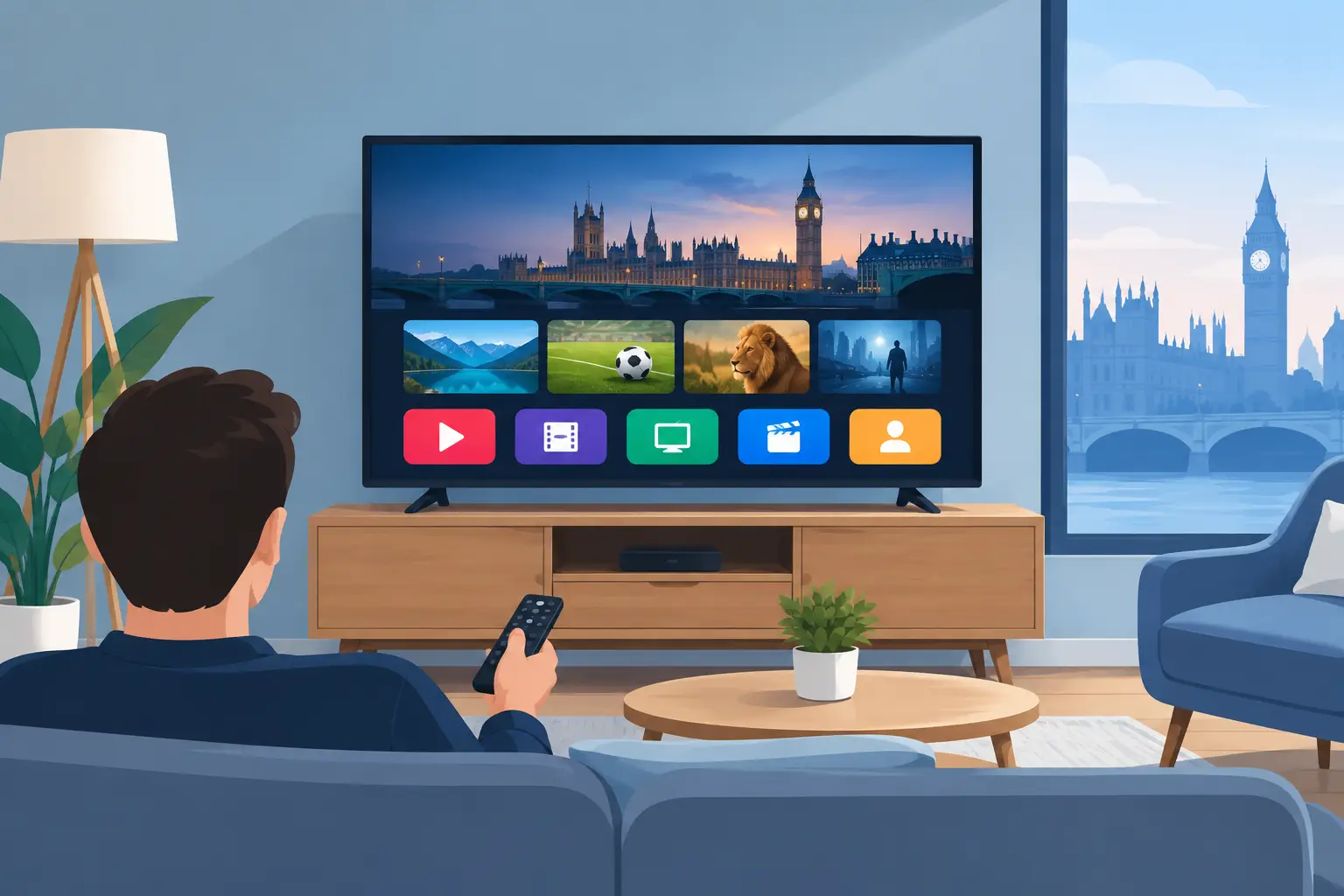
A new television should make entertainment easier, not add another box, remote and monthly bill to your living room. The best IPTV compatible smart TVs give UK viewers a direct route to live channels, sport, films, series and children’s programmes through the apps and streaming tools they already use.
But “smart” on the label is not a guarantee that every IPTV app will work. The operating system, app-store support, processor speed and internet connection all affect how well your viewing experience performs. Buy the right screen and your subscription is quick to access, easy to navigate and ready for a big night of live sport or a family film.
What makes a smart TV IPTV compatible?
An IPTV compatible television can install or access an IPTV player that accepts provider details, an M3U playlist or portal login. The TV then uses your home broadband to play live television and video on demand. It is the app that does the work, while the television provides the screen, processor, network connection and remote control.
The strongest options are usually Android TV or Google TV models, Samsung TVs running Tizen, LG TVs running webOS, and selected Fire TV sets. Each platform has different app choices. Android and Google TV are often the most flexible because they support a wider range of IPTV players, including popular options such as IPTV Smarters Pro and TiviMate. TiviMate is designed primarily for Android TV devices, so do not expect it to appear on every Samsung or LG set.
Samsung and LG remain excellent choices for picture quality and everyday ease of use, but check their app stores before purchasing. Their available IPTV players can vary by model year and UK region. A television may support an app today, while another model from the same brand may not offer exactly the same installation route.
The best TV platforms for IPTV viewing
Android TV and Google TV
For viewers who want the broadest app compatibility, Android TV and Google TV are hard to beat. Brands such as Sony, TCL, Hisense and Philips offer models using these platforms. You can normally download an IPTV player from the Play Store, enter your account details and organise favourites directly on the big screen.
This is a practical choice for households that want an electronic programme guide, category menus, catch-up content and separate profiles or favourites. It is also ideal if you prefer more control over your setup. The trade-off is that cheaper Android TVs can have limited storage or slower processors, which may make menus feel less responsive. Choose a recent model with enough internal storage and a proven reputation for updates.
Samsung Smart TVs with Tizen
Samsung Smart TVs are popular in UK homes for good reason. Their displays are bright, their menus are familiar and their remotes are straightforward. Many Tizen models support IPTV player apps through the Samsung app store, allowing viewers to use a playlist or Xtream-style login without attaching another device.
Before you commit, confirm that your preferred player is available on the exact television model in the UK. Samsung app support is not identical across every generation. If the player you want is unavailable, a low-cost streaming stick or Android TV box can add flexibility without replacing the television.
LG Smart TVs with webOS
LG webOS TVs are another solid route for IPTV, especially for viewers who want a clean interface and strong picture performance for films and sport. Compatible player apps are available on many LG sets, and setup is usually simple once you have your subscription credentials.
The key limitation is choice. webOS is not as open as Android TV, so the app selection can be narrower. Check compatibility first rather than assuming an app used on a mobile phone or Firestick will be available on an LG television.
Fire TV smart televisions
Fire TV sets put the Fire TV interface directly into the television. This is convenient for viewers already familiar with Firestick apps and menus. App availability is generally good, setup is familiar and voice search can be useful for finding mainstream entertainment apps.
Fire TV is a sensible middle ground if you want an accessible platform without buying a separate stick. Still, software updates and app availability can differ between brands and model years, so confirm the player you intend to use before ordering.
Screen quality matters, but speed matters more than you think
A 4K screen can make films, drama and supported live events look excellent, but resolution is only one part of a reliable IPTV setup. A slow television processor, weak Wi-Fi signal or congested broadband line can cause buffering, delayed channel changes and an annoying wait when opening guides.
For most homes, a modern 4K TV with dual-band Wi-Fi is a strong starting point. If the router is near the television, use Ethernet instead of Wi-Fi where possible. A wired connection is often the simplest way to improve stability, particularly during major matches when everyone in the house is streaming, gaming or making video calls.
As a practical benchmark, allow at least 10 Mbps of stable speed for HD viewing and 25 Mbps or more for 4K streams. Those figures are not a promise of performance because household traffic, Wi-Fi interference and the source stream also matter. What counts is consistent speed, not just the highest number shown by a broadband advert.
Features worth paying for
Do not let a huge screen distract you from the features that affect daily viewing. Look for 4K resolution if you enjoy modern films and supported sport in higher detail, HDR support for stronger contrast and colour, and at least three HDMI ports if you use a console, soundbar or streaming device.
A responsive interface is equally valuable. Try the menus in a shop if possible, or read reviews that discuss start-up time and app performance rather than picture quality alone. An excellent panel can still become frustrating if the operating system stutters whenever you open a programme guide.
Sound deserves attention too. Slim TVs often have modest built-in speakers. A soundbar can improve dialogue and match atmosphere, but it is not essential from day one. Prioritise a stable IPTV setup, then upgrade your audio if your room and budget allow.
How to set up IPTV on a compatible smart TV
Once you have chosen the right television, setup should not take long. Connect the TV to your broadband, preferably using Ethernet or reliable 5 GHz Wi-Fi. Open the platform’s app store, download a compatible IPTV player and enter the details supplied with your subscription. Depending on the player, this may be a username and password, an M3U URL or a portal address.
Let the channels, films, series and programme guide load fully before judging performance. Then add your most-watched UK, Irish, European or international channels to favourites. This saves time later and makes the service feel far closer to traditional television, only with more choice in one place.
If an app will not install or does not support your preferred login type, do not assume the TV is unusable. Adding an Android TV device or Firestick is often the quickest fix. It can provide access to different players while keeping the same television and picture quality.
Common mistakes to avoid when buying
The biggest mistake is choosing a TV based only on brand or screen size. App support is the deciding factor. Check the app store for the exact model and operating system, not just a general claim that the brand supports IPTV.
Also avoid relying on weak Wi-Fi at the far end of the house. Moving the router, using Ethernet or adding a quality mesh Wi-Fi point can make a bigger difference than replacing a perfectly good TV. Finally, use services that have the rights to distribute the content you watch and review local terms where relevant.
For viewers who want broad live TV, on-demand choice and a setup that works around family life, the best purchase is usually not the most expensive television. It is the one with the right app platform, dependable connectivity and a screen you will enjoy using every evening. Choose that combination, then your entertainment is ready when you are.